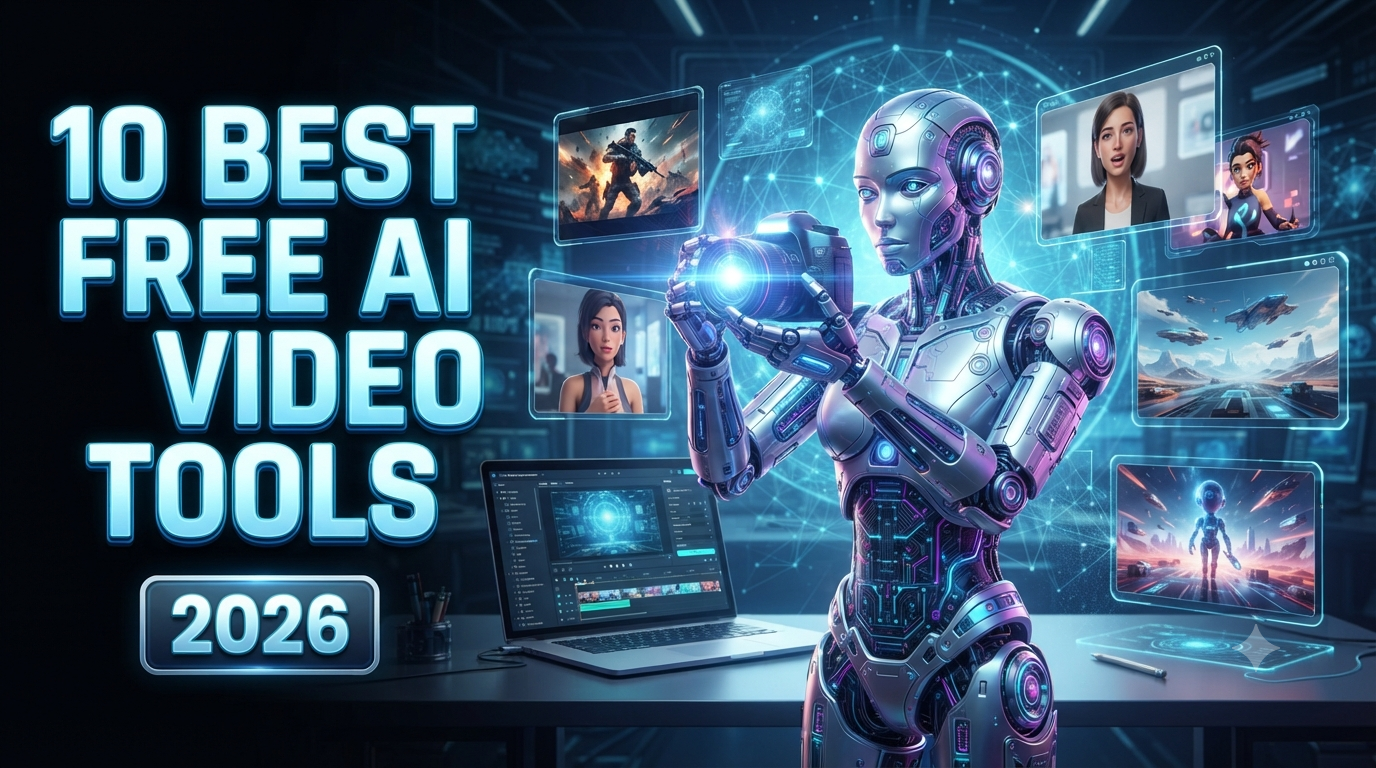
10 Best Free AI Video Generator Websites in 2026
AI video generation has become one of the fastest-growing areas of artificial intelligence in 2026. You no longer need expensive cameras, professional editing software, actors, or a large production team to create engaging videos. With the right AI video generator, you can turn a simple text prompt, image, script, or idea into a video within minutes.
Whether you are a YouTube creator, social media marketer, small business owner, student, blogger, or professional video editor, AI video generators can save significant time and effort.
The biggest question is: Which AI video generator is actually free?
The answer is not always simple. Some platforms provide daily credits, some offer monthly credits, some provide one-time trial credits, and others offer free video creation with limitations such as watermarks, lower resolution, shorter clips, or limited commercial usage. Free plans can also change frequently as AI companies update their models and pricing.
In this guide, we will explore the 10 best free AI video generator websites in 2026, what each platform is best for, its major features, limitations, and which type of creator should use it.
Quick Comparison: Best Free AI Video Generators in 2026
| AI Video Generator | Best For | Free Access | Best Feature |
|---|---|---|---|
| Kling AI | Cinematic AI videos | Free access/credits may vary | Realistic motion |
| Pika | Creative short videos | Free credits | Effects and transformations |
| Runway | Professional creators | Free trial credits | Creative video generation |
| Hailuo AI | Realistic AI clips | Free access | Photorealistic scenes |
| Luma Dream Machine | Cinematic visuals | Limited free access | Visual quality |
| InVideo AI | Script-to-video | Free plan | Complete videos from prompts |
| HeyGen | AI avatar videos | Free plan | Talking presenters |
| Synthesia | Training videos | Free access | Business avatars |
| CapCut | Social media videos | Free tools | Editing + AI features |
| Canva | Beginners and businesses | Free AI features | Easy video creation |
Important: Free limits, credits, watermarks, resolution, and commercial-use rules can change. Always check the platform's current terms before creating content for clients or commercial campaigns.
1. Kling AI
Best for: Realistic and cinematic AI-generated videos
Kling AI has become one of the most interesting AI video platforms for creators who want realistic motion and cinematic-looking scenes. It can generate videos from text prompts and images, making it useful for short films, advertisements, social media content, storytelling, and creative experiments.
One of Kling's biggest advantages is its ability to create detailed motion. Instead of simply animating an image, the system can generate scenes containing people, objects, environments, camera movements, and cinematic effects.
Creators can use prompts such as:
"A young man walking through a futuristic city at night, cinematic lighting, realistic camera movement, detailed environment."
The AI then attempts to transform the description into a short video.
Kling is particularly useful for creators who want realistic human movement, cinematic camera angles, and visually detailed environments.
Current 2026 comparisons report that Kling has offered a relatively generous free-credit experience, although exact allowances can vary and should be verified inside the account before relying on a specific number.
Best for:
-
Cinematic videos
-
Storytelling
-
AI short films
-
Social media clips
-
Realistic characters
-
Product concepts
Limitation
Free access can have credit limits and watermarks depending on the current plan.
2. Pika
Best for: Creative effects and social media videos
Pika is one of the easiest AI video generators for beginners who want to experiment with creative video effects.
Instead of focusing only on traditional text-to-video generation, Pika is known for creative transformations and short-form video effects. This makes it especially useful for TikTok, Instagram Reels, YouTube Shorts, memes, and experimental content.
For example, you can start with an image and use AI to animate or transform it into a short video.
Pika's free Basic plan has been documented with a recurring monthly video-credit allowance, although the exact available models and limits can change. Recent 2026 comparisons list approximately 80 monthly video credits on the free tier and note that some free generations may be limited in resolution.
Best for:
-
YouTube Shorts
-
Instagram Reels
-
TikTok content
-
Creative effects
-
Image animation
-
Beginners
Why creators like it
Pika has a relatively simple workflow. You don't necessarily need professional video-editing experience to start creating.
3. Runway
Best for: Professional AI video creation
Runway is one of the most recognized names in generative video. It combines AI generation with a broader creative workspace, making it attractive to filmmakers, designers, marketers, and professional creators.
Runway can be useful for generating video from images, experimenting with visual concepts, and creating cinematic sequences.
However, there is an important distinction in 2026: Runway's current free offering should not automatically be described as unlimited free text-to-video. Current documentation and comparisons indicate that the free tier provides a limited, one-time credit allocation and access to specific generative features, including image-to-video.
This makes Runway excellent for testing professional AI video workflows, but not necessarily the best choice if your only requirement is unlimited free text-to-video generation.
Best for:
-
Professional creators
-
Filmmakers
-
Cinematic experiments
-
Image-to-video
-
Creative production
-
Video editing workflows
Limitation
Free credits are limited and do not necessarily renew like a recurring monthly plan.
4. Hailuo AI
Best for: Photorealistic AI video experiments
Hailuo AI is another strong option for creators looking for realistic AI-generated video.
It has become popular for generating short cinematic clips, realistic characters, environments, and imaginative scenes.
For example, you could write a prompt describing a futuristic city, a historical scene, an animal story, or a product advertisement and let the AI generate a visual interpretation.
Hailuo is particularly interesting for creators who care about visual realism.
Some 2026 comparisons have ranked Hailuo among the stronger free options for photorealistic output, although free generation limits can vary.
Best for:
-
Realistic scenes
-
AI storytelling
-
Short films
-
Social media videos
-
Cinematic experiments
-
Creative concepts
Limitation
Free generations may have daily limits, queues, watermarks, or other restrictions.
5. Luma Dream Machine
Best for: Cinematic and visually impressive scenes
Luma Dream Machine is designed for generating visually rich AI video content from prompts and other inputs.
It can be useful when your goal is to create cinematic environments, product concepts, fantasy scenes, architecture, landscapes, and visual storytelling.
One advantage of Luma is its focus on motion and spatial understanding. This can make it useful when you want a scene to feel like a camera is actually moving through a three-dimensional environment.
However, the free tier is limited. Current 2026 information indicates that free access can include restrictions such as limited credits, lower-priority processing, watermarks, and personal-use limitations.
Best for:
-
Cinematic visuals
-
Architecture
-
Product concepts
-
Fantasy scenes
-
Visual storytelling
-
Personal experiments
Limitation
Free users should carefully check licensing and commercial-use restrictions before using generated content in paid projects.
6. InVideo AI
Best for: Turning scripts and ideas into complete videos
InVideo AI is slightly different from purely generative cinematic tools.
Instead of simply generating a five-second AI scene, InVideo AI focuses heavily on creating complete videos from prompts and scripts.
You can describe the video you want, and the platform can help assemble scenes, visuals, narration, text, and other elements.
For example:
Prompt:
"Create a 60-second YouTube video explaining the benefits of artificial intelligence for small businesses."
An AI video platform like InVideo can turn that concept into a structured video instead of requiring you to manually edit every scene.
This makes it especially useful for YouTubers, marketers, bloggers, and businesses.
Current comparisons list free access with limitations such as watermarks, resolution restrictions, export limits, and non-commercial restrictions depending on the plan.
Best for:
-
YouTube videos
-
Marketing videos
-
Explainer videos
-
Blog-to-video content
-
Social media
-
Business presentations
7. HeyGen
Best for: AI avatar and talking-presenter videos
HeyGen is an excellent option if you want an AI presenter rather than a completely generated cinematic scene.
You can create videos where an AI avatar appears on screen and speaks your script.
This is particularly useful for:
-
Business presentations
-
Training videos
-
Product explanations
-
Marketing videos
-
Educational content
-
Social media presenters
HeyGen supports many languages and voices, making it useful for international audiences.
Its free tier is designed primarily for testing the platform rather than unlimited production. Current 2026 comparisons report limited monthly video creation, lower resolution, and watermarks on free output.
Best for:
-
AI presenters
-
Talking-head videos
-
Business content
-
Education
-
Marketing
-
Multilingual videos
8. Synthesia
Best for: Corporate training and educational videos
Synthesia is another AI video platform focused heavily on digital presenters and avatars.
It is particularly popular for corporate training, employee onboarding, educational presentations, tutorials, and internal communication.
Instead of recording yourself in front of a camera, you can create a script and use an AI presenter to deliver the information.
This can save businesses time and money when producing repetitive training material.
The free option is primarily useful for testing the platform. Current comparisons report restrictions such as watermarked output and limited free usage.
Best for:
-
Training videos
-
Online education
-
Corporate presentations
-
Tutorials
-
Internal business communication
Limitation
It is less focused on cinematic text-to-video generation and more focused on avatar-based communication.
9. CapCut
Best for: Social media creators and AI-assisted editing
CapCut is one of the most useful choices for creators who want AI features combined with a traditional video editor.
Instead of relying only on text-to-video generation, CapCut provides a broad set of tools for editing short-form content, including captions, effects, transitions, templates, AI-assisted features, and other creator tools.
This makes it particularly useful for people producing:
-
YouTube Shorts
-
TikTok videos
-
Instagram Reels
-
Promotional videos
-
Meme videos
-
Product videos
Current 2026 comparisons list CapCut among free AI-assisted video tools, with the exact available features depending on platform and account.
Best for:
-
Shorts
-
Reels
-
TikTok
-
Fast editing
-
Captions
-
Social media content
If your main goal is to create and edit short videos quickly rather than generate every frame entirely with AI, CapCut can be a very practical option.
10. Canva
Best for: Beginners, businesses, and simple marketing videos
Canva is well known for graphic design, but it has also expanded into AI-powered content creation and video tools.
The biggest advantage of Canva is simplicity.
A beginner can create a social media video, advertisement, presentation, promotional video, or educational clip without needing professional editing experience.
Canva is especially useful for small businesses that want to create branded content quickly.
You can combine:
-
Text
-
Images
-
Video
-
Animations
-
Templates
-
Music
-
Voiceover
-
AI-generated content
This makes Canva a good all-in-one platform for basic video marketing.
Best for:
-
Small businesses
-
Social media marketing
-
Presentations
-
Promotional videos
-
Beginners
-
Educational content
How to Choose the Best Free AI Video Generator
Choosing the right AI video generator depends on what you actually want to create.
For cinematic AI videos
Try:
Kling AI, Runway, Hailuo AI, or Luma Dream Machine.
These platforms are better suited to generating individual cinematic scenes and visual concepts.
For YouTube Shorts
Try:
Pika, CapCut, Kling AI, or Hailuo AI.
These tools are useful for creating short and visually interesting content.
For AI presenters
Choose:
HeyGen or Synthesia.
They are designed specifically around AI avatars and talking presenters.
For complete YouTube videos
Try:
InVideo AI.
It is better suited to turning scripts and ideas into structured videos.
For beginners
Try:
Canva or CapCut.
Their interfaces are relatively easy to understand, especially if you already create social media content.
Are Free AI Video Generators Really Free?
Yes, but there is an important catch.
In 2026, the word "free" can mean several different things.
A platform may offer:
-
Free daily credits
-
Free monthly credits
-
One-time trial credits
-
Limited free exports
-
Watermarked videos
-
Lower-resolution videos
-
Shorter video duration
-
Limited commercial rights
-
Limited AI models
For example, a platform may give you free credits but charge a large number of credits for a high-quality generation.
Another platform may offer unlimited editing but restrict AI generation.
Therefore, don't judge an AI video generator only by the word "free."
Instead, check four things:
1. How many generations can you create?
2. Does the exported video contain a watermark?
3. What resolution can you export?
4. Can you legally use the video commercially?
These factors are often more important than the advertised credit number.
Tips for Getting Better AI Videos
The quality of your AI-generated video depends heavily on your prompt.
Instead of writing:
"A man walking in a city."
Try:
"A young man walking through a modern downtown city at sunset, cinematic lighting, realistic facial details, natural walking movement, shallow depth of field, smooth camera tracking shot, realistic environment, high-detail cinematic video."
A detailed prompt gives the AI more information about the scene.
You can include:
-
Character description
-
Location
-
Time of day
-
Lighting
-
Camera angle
-
Camera movement
-
Clothing
-
Facial expression
-
Environment
-
Weather
-
Video style
-
Motion
-
Aspect ratio
For YouTube Shorts, specify a vertical 9:16 composition.
For YouTube videos, use 16:9 landscape composition.
Free AI Video Generator vs. Paid AI Video Generator
Free tools are excellent for learning and experimentation.
However, professional creators may eventually need paid plans because they generally provide more credits, higher resolutions, faster generation, longer videos, better models, fewer restrictions, or commercial-use options.
A smart strategy is to start with free plans.
Test several platforms.
Create the same prompt on three or four websites.
Compare the results.
Then pay only for the platform that consistently produces the quality you need.
This is better than purchasing an expensive subscription before understanding your workflow.
Final Verdict: Which Free AI Video Generator Is Best?
There is no single AI video generator that is perfect for everyone.
If you want realistic cinematic videos, Kling AI and Hailuo AI are worth testing.
If you want creative effects and short-form content, Pika is an excellent option.
If you want a professional creative environment, Runway is worth exploring.
If you want cinematic visual experiments, Luma Dream Machine is a strong choice.
If you want complete videos from scripts, InVideo AI can save considerable editing time.
If you want AI talking presenters, HeyGen and Synthesia are better choices.
And if you want simple social media editing, CapCut and Canva are practical options.
The most important thing to remember is that free AI video plans change frequently. Credits, watermarks, models, resolution, commercial rights, and available features can change throughout the year. Current 2026 comparisons show significant differences between platforms, so always verify the exact free-plan terms before starting a serious project.
AI video generation is becoming increasingly accessible. Whether you are making YouTube Shorts, advertisements, educational videos, product demonstrations, cartoons, or cinematic stories, these tools can dramatically reduce the time required to turn an idea into video.
Start with the free option that matches your use case, experiment with different prompts, compare the results, and upgrade only when the free limitations become a genuine obstacle.
For most beginners, the best approach is simple: test several free AI video generators before choosing your favorite.
Frequently Asked Questions
What is the best free AI video generator in 2026?
The best option depends on your requirements. Kling AI is a strong choice for realistic motion, Pika for creative short videos, Runway for professional workflows, InVideo AI for script-based videos, and HeyGen for AI avatar videos.
Can I create AI videos for free?
Yes. Several platforms offer free credits or free plans. However, free accounts commonly have limitations such as watermarks, limited credits, lower resolution, or restricted commercial usage.
Which AI video generator is best for YouTube Shorts?
Pika, Kling AI, Hailuo AI, and CapCut are useful options for short-form content. Your choice depends on whether you need AI-generated scenes, creative effects, or traditional editing.
Are free AI-generated videos copyright-free?
Not necessarily. Free access does not automatically mean that every generated asset can be used for any purpose. Always check the platform's current licensing and commercial-use terms before publishing content for clients or businesses.
Is AI video generation going to replace video editors?
AI can automate many repetitive parts of video production, but human creativity, storytelling, editing decisions, brand direction, and quality control remain important. AI is more useful as a production assistant than a complete replacement for every creative role.